Run SSH commands in C# .NET with examples
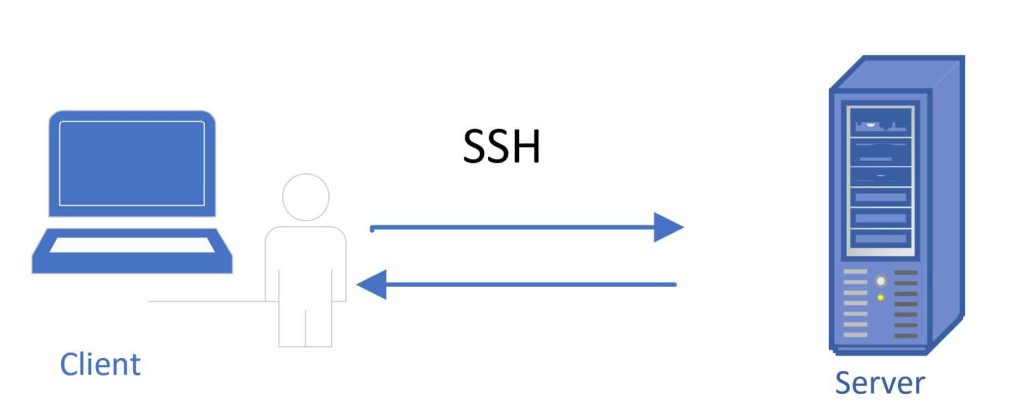
Today in this article, we will see how to run C# SSH Client commands in .NET with examples.
We will explore this option using the SSH.NET library for .NET/.NET Core.
Execution of the SSH command using the SSH.NET library is pretty simple.
Below is the list of high-level features supported by the SSH library (but not limited to).
- Provide SFTP functionality for both synchronous and asynchronous operations.
- Provides SCP functionality.
- Execution of SSH command using both synchronous and asynchronous methods.
- Provide a status report for upload and download SFTP operations to allow accurate progress bar implementation.
- Supports public-key, password, and keyboard-interactive authentication methods.
- Supports two-factor or higher authentication.
- Supports SOCKS4, SOCKS5, and HTTP Proxy.
Execution of the SSH command using the SSH.NET library is pretty simple.
Getting Started
Create any .NET Core application like a console application,
Add SSH.NET Nuget package as below,

Package Manager Console,
Install-Package SSH.NET -Version 2020.0.2
Note: Please use the latest version.
Remote C# SSH Client Connect using class SshClient
SSH.NET provides SshClient class that lets you connect to the server securely and access files let you perform server-side operations like login, reboot, connect services and restart the services.
Below is the sample code connected to the server using SSH.
 using (var client = new SshClient("Server/IP", "UserName", "Password"))
            {
                client.Connect();
             }
As shown above, you need a server name/IP, Username, and password to connect to the remote server remotely.
Lets now see fee c# ssh.net examples
C# SSH.NET command execution – Example
Now that we have completed the setup, Let’s see a few examples of commands,
Example 1 – executes apt update or upgrade SSH command,
using (var sshClient = new SshClient("Server/IP", "UserName", "Password"))
            {
                sshClient.Connect();
                var cmd = sshClient.CreateCommand("apt update && apt upgrade -y");
                var asyncExecute = cmd.BeginExecute();
            }
Example 2 – Create a directory or Folder structure SSH Command
In this example, we are executing a shell command to create a directory in the target server/machine.
using (var sshClient = new SshClient("Server/IP", "UserName", "Password"))
            {
                sshClient.Connect();
                sshClient.RunCommand("mkdir -p /home/root/thecodebuzz /home/root/thecodebuzz/uploads /home/root/thecodebuzz/downloads");
            }
Example 3 – networking restart/start/stop SSH command
Use the following command to restart the server networking service.
 using (var sshClient = new SshClient("Server/IP", "UserName", "Password"))
            {
                sshClient.Connect();
                sshClient.RunCommand("/etc/init.d/networking restart");
            }
Use the following command to stop the server networking services
using (var sshClient = new SshClient("Server/IP", "UserName", "Password"))
        {
            sshClient.Connect();
            sshClient.RunCommand("etc/init.d/networking stop");
        }
Do you have any comments or ideas or any better suggestions to share?
Please sound off your comments below.
Happy Coding !!
Please bookmark this page and share it with your friends. Please Subscribe to the blog to receive notifications on freshly published (2026) best practices and guidelines for software design and development.
Do you have any comments or ideas or any better suggestions to share?
Please sound off your comments below.
Happy Coding !!
Please bookmark this page and share it with your friends. Please Subscribe to the blog to receive notifications on freshly published (2026) best practices and guidelines for software design and development.


Subject: Application Using Limited Cores When Run via C# Code
Message:
Hello Team,
I have an issue where an application executable utilizes all 39 logical cores when I run it directly from the Command Prompt. However, when I execute the same command using C# code (shown below), the application only uses 13 cores.
Additionally, I created a mediator console application that only runs the same command, and when I run that console app from my local system to a Google Cloud VM, it also only uses 13 cores.
Could you please help me understand why this behavior is occurring? Is there any patch, configuration, or workaround available to ensure the application uses all 39 cores when triggered via code?
C# Code Used:
public async Task ExecuteChassisSim(string command)
{
//command = “C:\\ChassisSimTechnologies\\ChassisSim_v3_45\\ChassisSim_v3_45_elite.exe C:\\ChassisSimTechnologies\\csim_batch_file.txt”;
using (var client = new SshClient(Global.Host, Global.Username, Global.Password))
{
await client.ConnectAsync(default);
var cmd = client.RunCommand(command);
client.Disconnect();
return cmd.Result;
}
}
Thanks in advance for your assistance.